Use cases
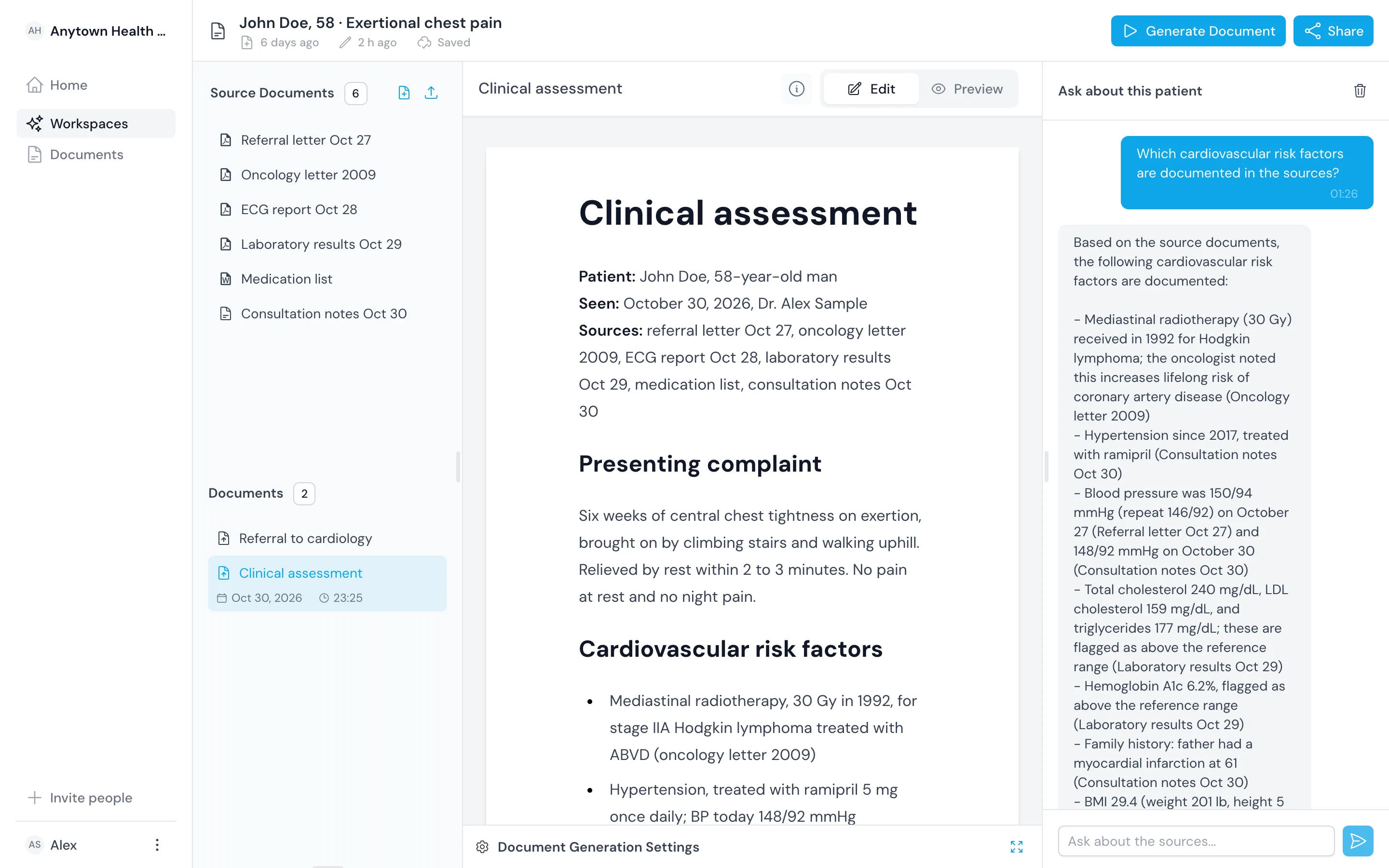
See how doctors use one workspace per patient
Each example shows the sources a doctor adds, what they ask for, what comes back and what they check before using it.

Examples
Pick the job you want done
- Read a patient's whole history in an emergencyWhen a patient arrives with a thick history and no time to read it, load the records into one workspace. Ask for the facts that change the next decision, and open the source behind each one.Emergency orientation
- Prepare for a new patient with a thick referralAdd the referral and every earlier letter to the patient's workspace before clinic. Ask for the history that bears on the question, with the source of each statement named.Pre-clinic summary
- Review new results against the historyAdd the new results next to last year's and your visit note. Ask what changed and which results bear on the patient's complaint.Results comparison
- Check a referral has what the specialist needsBefore you refer, ask what the receiving clinic will need that the sources do not yet show. Then draft the letter from the same sources.Referral letter draft
- Follow up a patient seen by several clinicsWhen letters from several clinics pile up, ask for the active problems, the medication changes and the plan items nobody has closed.Problem list and open actions
- Write a patient-friendly summary of the planDraft a plain-language summary for the patient from the same sources as your assessment. Set the audience to the patient and keep it short.Patient summary
- Hand over a ward patient at the end of a shiftDraft an SBAR handover from the admission and progress notes, with pending results and tasks listed. Share the workspace with the doctor taking over.SBAR handover