Export and hand off
Export the finished document into the patient's record
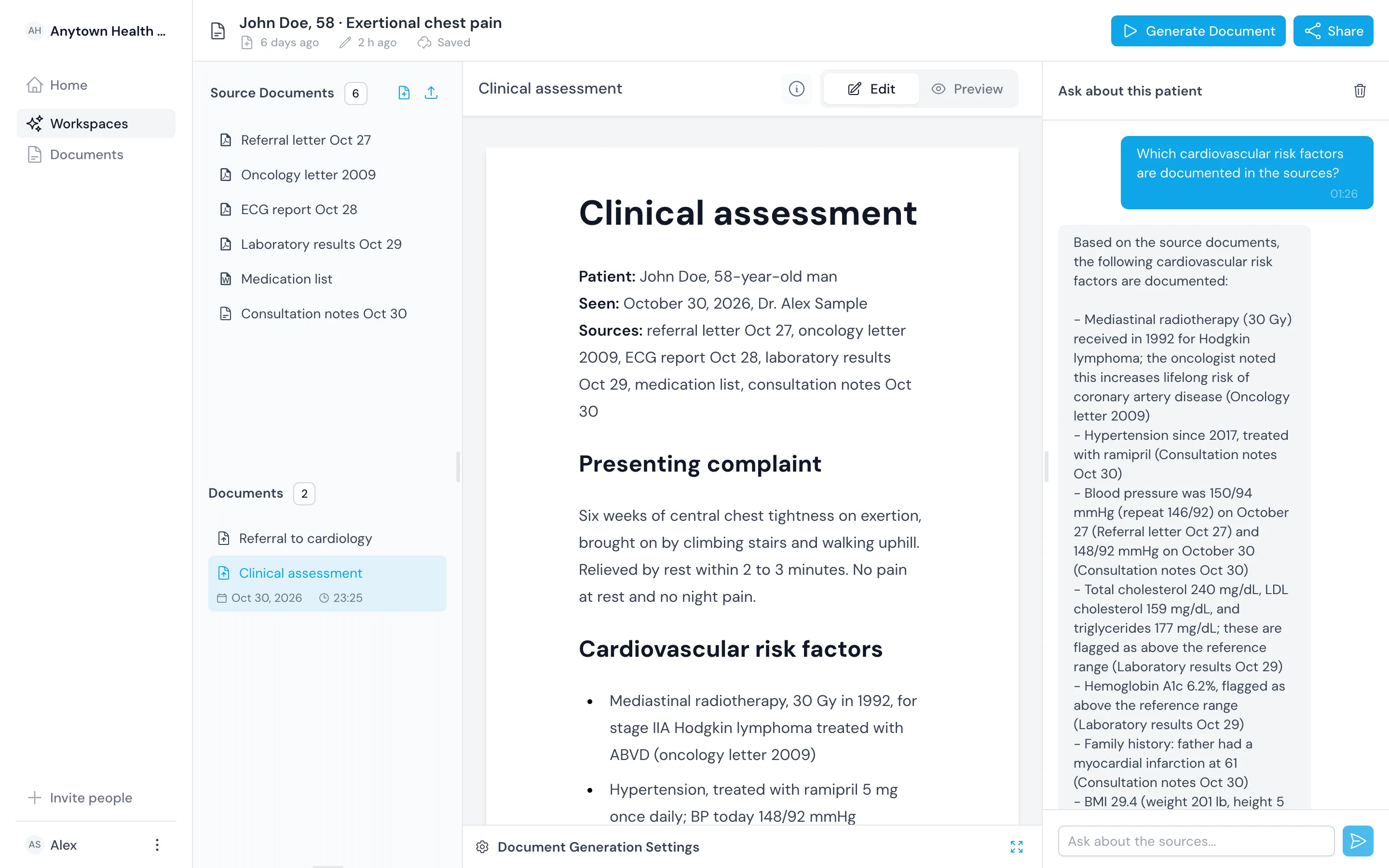
When you have finished editing, download the document as PDF or Word. File it in your record system or send it the way you send letters today.

Hand the document to whoever needs it next
Export keeps the headings, lists and tables you set in the editor.
Send a PDF
Send a fixed copy to the specialist, the ward or the patient.
Use Word for your own layout
Open the document in Word to move it onto a letterhead or into a record template.
File it yourself
Upload the export to your record system yourself. We never write into the record for you.

Built in
Keep the workspace as the working copy
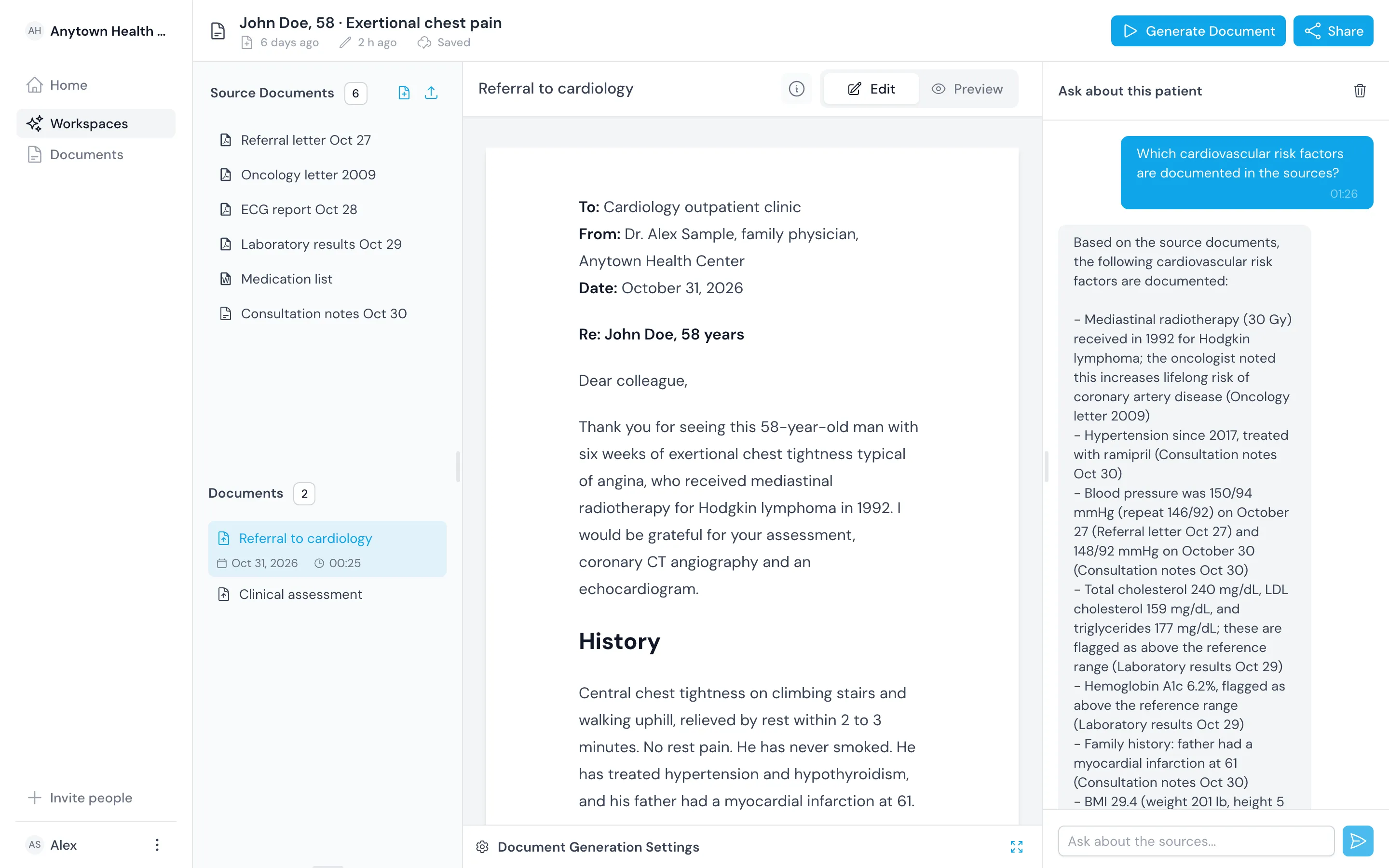
An export is a copy for the record. The workspace keeps the sources and drafts for the next visit.
Keep drafts in the workspace
Come back to the assessment and its sources at the follow-up.
Export any document
Export assessments, letters and summaries the same way.
Use any record system
Use the export with any record system that accepts a PDF or Word file.
Outcomes
What you gain at the end of the workup
You send the format the reader needs
Send a PDF when the reader should not edit, and Word when someone will.
You file the edited version
You file the document you checked, not the first draft.
You start follow-up from the same workspace
You find the sources and earlier documents still there when the patient comes back.
Comparison
Export the finished document instead of copying it across
| Topic | Before | With the register |
|---|---|---|
| Format | Copied from one program into another | PDF or Word in one download |
| Into the record | Pasted into a form field | Filed as a PDF or Word document |
| Version filed | Sometimes an earlier draft | The version you edited last |
| Later reference | The letter without its sources | The letter, with its sources kept in the workspace |
Related
Use it with the rest of the product
Questions
Frequently asked questions
Which formats can I export?
PDF and Word.
Does it write into our record system?
No. It does not integrate with a record system. Upload the exported file the way you file letters today.
Can I change a document after exporting it?
Yes. Edit it in the workspace and export again, or edit the Word file directly.